'%3e%3cpath%20d='M65.7695%2018.25H69.6348V79.3633H130.748V83.2285C130.748%20119.062%20101.597%20148.498%2065.7695%20148.498C29.9388%20148.498%200.5%20119.059%200.5%2083.2285C0.5%2047.4006%2029.9359%2018.25%2065.7695%2018.25Z'%20stroke='%23DC4B4B'/%3e%3cpath%20d='M83.2305%200.5C119.061%200.5%20148.5%2029.9388%20148.5%2065.7695V69.6348H79.3652V0.5H83.2305Z'%20stroke='%23DC4B4B'/%3e%3c/g%3e%3cdefs%3e%3cclipPath%20id='clip0_578_4950'%3e%3crect%20width='149'%20height='149'%20fill='white'/%3e%3c/clipPath%3e%3c/defs%3e%3c/svg%3e)
'%3e%3cpath%20d='M71.5%200.5C110.711%200.5%20142.5%2032.2891%20142.5%2071.5C142.5%20110.711%20110.711%20142.5%2071.5%20142.5C32.2891%20142.5%200.5%20110.711%200.5%2071.5C0.5%2032.2891%2032.2891%200.5%2071.5%200.5ZM113.33%2040.1006C112.063%2040.0096%20110.812%2040.4229%20109.849%2041.25L99.8271%2049.8604V49.8613C98.8571%2050.6961%2097.6939%2051.2758%2096.4434%2051.5479C95.1929%2051.8198%2093.8941%2051.7753%2092.665%2051.4189H92.6641L78.8701%2047.4248H78.8691C77.8219%2047.1242%2076.7441%2046.9415%2075.6562%2046.8809H75.6553L52.8311%2045.6494C51.4649%2045.5752%2050.102%2045.8499%2048.8721%2046.4492C47.6422%2047.0485%2046.5861%2047.9526%2045.8027%2049.0742L37.5156%2060.9336C36.7892%2061.9504%2036.4496%2063.1935%2036.5576%2064.4385C36.6657%2065.6834%2037.2147%2066.8491%2038.1055%2067.7256L38.1094%2067.7295C38.6415%2068.2416%2039.2775%2068.6343%2039.9736%2068.8809C40.6695%2069.1273%2041.41%2069.222%2042.1455%2069.1592C42.8812%2069.0963%2043.5952%2068.8767%2044.2393%2068.5156C44.8834%2068.1544%2045.4434%2067.6594%2045.8809%2067.0645L45.8799%2067.0635L50.6279%2060.625L50.6289%2060.624C51.2834%2059.7345%2052.1384%2059.0109%2053.124%2058.5127C53.9864%2058.0768%2054.928%2057.8238%2055.8896%2057.7676L56.3037%2057.7559H62.4268L57.6836%2079.4795L49.75%2092.6191L33.6357%2082.0752C33.0215%2081.673%2032.3323%2081.3991%2031.6094%2081.2705C30.8863%2081.142%2030.1441%2081.1613%2029.4287%2081.3271C28.7134%2081.493%2028.0389%2081.8019%2027.4463%2082.2354C26.9279%2082.6146%2026.4815%2083.0823%2026.127%2083.6162L25.9805%2083.8496C25.2961%2085.0014%2025.061%2086.3652%2025.3203%2087.6797C25.5797%2088.9942%2026.3151%2090.1671%2027.3857%2090.9727L46.3477%20105.239C47.9643%20106.452%2049.9831%20107.005%2051.9922%20106.783C54.0011%20106.562%2055.8495%20105.583%2057.1631%20104.047L69.3496%2089.835L87.6758%20100.13L96.2012%20115.196C96.7437%20116.156%2097.5537%20116.938%2098.5322%20117.445C99.4126%20117.902%20100.396%20118.116%20101.383%20118.076L101.651%20118.084H101.669C101.679%20118.084%20101.694%20118.085%20101.713%20118.085C101.75%20118.085%20101.803%20118.085%20101.87%20118.084C102.005%20118.082%20102.196%20118.075%20102.427%20118.059C102.886%20118.026%20103.512%20117.952%20104.168%20117.787C105.44%20117.467%20107.023%20116.75%20107.48%20115.109V115.108C107.515%20114.983%20107.54%20114.855%20107.557%20114.726L107.558%20114.727C107.71%20113.886%20107.621%20113.023%20107.305%20112.234L107.156%20111.901L98.3828%2092.4258C97.94%2091.4435%2097.2273%2090.6073%2096.3281%2090.0137H96.3291L81.1279%2079.958L85.3145%2061.9814L95.1592%2064.3555C96.646%2064.7147%2098.201%2064.6754%2099.668%2064.2422C101.135%2063.8089%20102.463%2062.9972%20103.516%2061.8877V61.8867L116.407%2048.2959L116.408%2048.2969C117.249%2047.4243%20117.735%2046.2705%20117.773%2045.0596C117.812%2043.8485%20117.4%2042.6655%20116.616%2041.7412L116.611%2041.7363L116.451%2041.5605C115.629%2040.7076%20114.518%2040.1859%20113.33%2040.1006ZM83.1406%2025.5391C81.1347%2024.8116%2078.9538%2024.7171%2076.8926%2025.2686C74.8313%2025.8201%2072.9888%2026.991%2071.6143%2028.623C70.2398%2030.255%2069.3991%2032.2696%2069.2061%2034.3945C68.9831%2036.8559%2069.6417%2039.317%2071.0645%2041.3379C72.4873%2043.3588%2074.5821%2044.8087%2076.9746%2045.4287C79.0403%2045.9635%2081.2207%2045.8513%2083.2207%2045.1074C85.2206%2044.3636%2086.944%2043.0232%2088.1582%2041.2686C89.3723%2039.5139%2090.0184%2037.4286%2090.0098%2035.2949C90.001%2033.1613%2089.3377%2031.0816%2088.1094%2029.3369C86.8809%2027.5923%2085.1465%2026.2666%2083.1406%2025.5391Z'%20stroke='%23DC4B4B'/%3e%3c/g%3e%3cdefs%3e%3cclipPath%20id='clip0_578_4957'%3e%3crect%20width='143'%20height='143'%20fill='white'/%3e%3c/clipPath%3e%3c/defs%3e%3c/svg%3e)

Every kind of walk, in one app
WalkFit has a walking workout for every day, every mood — inside and outside.


Don’t miss a step with WalkFit’s walk tracking features.
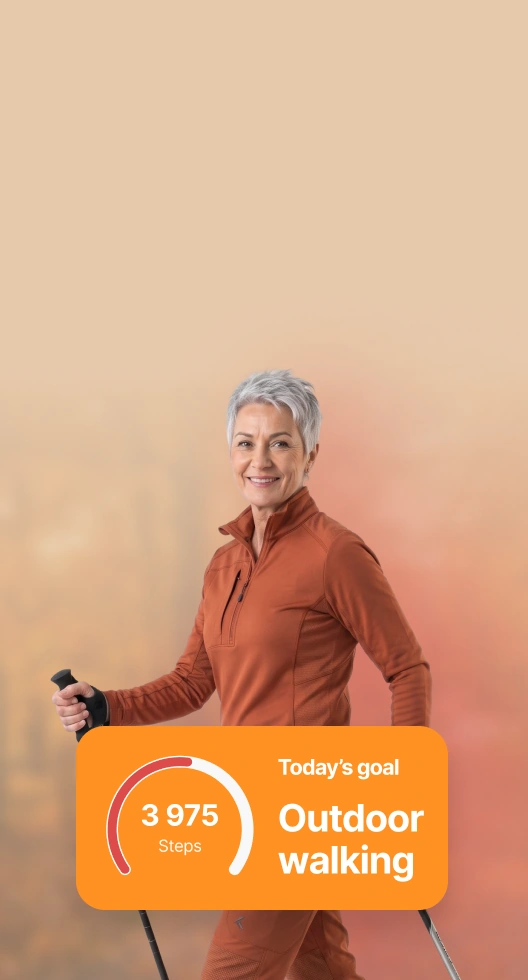
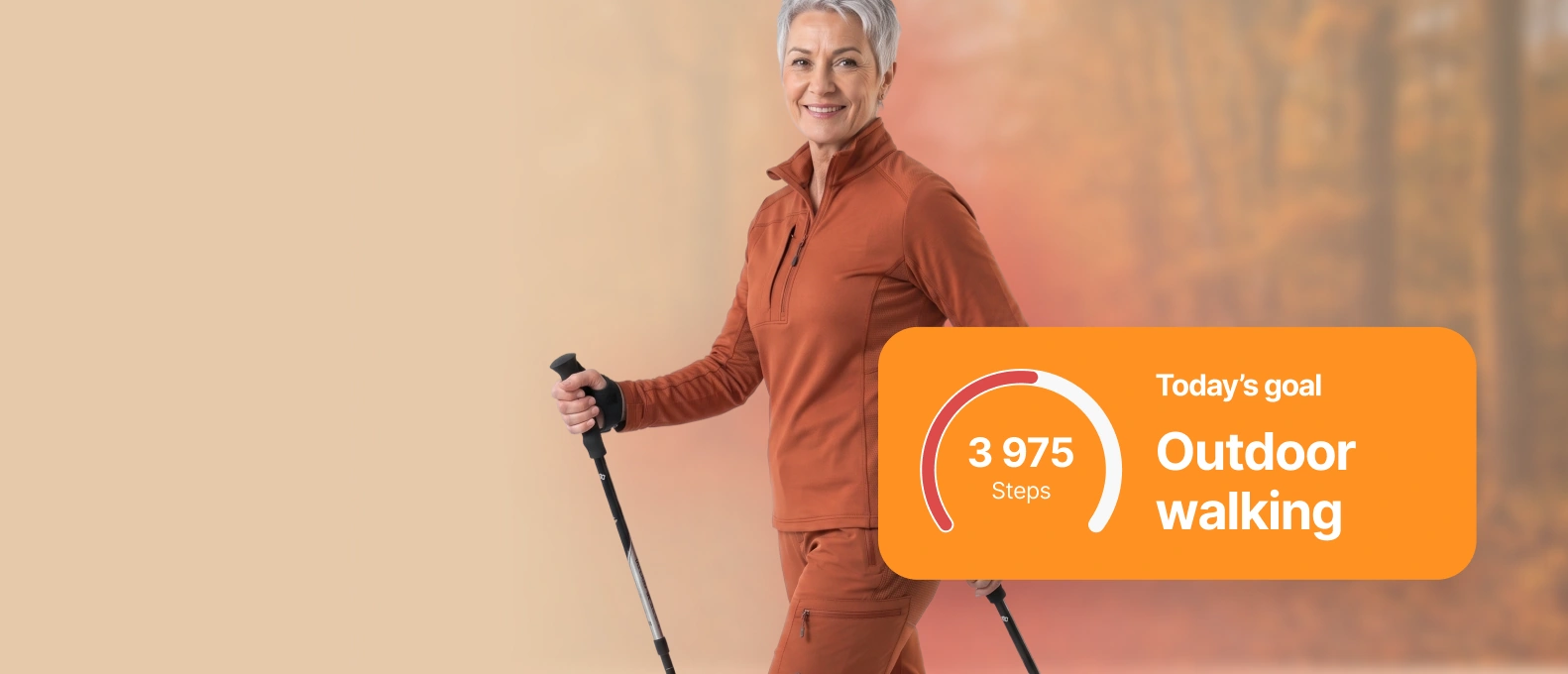
Set and start your daily new target from WalkFit.
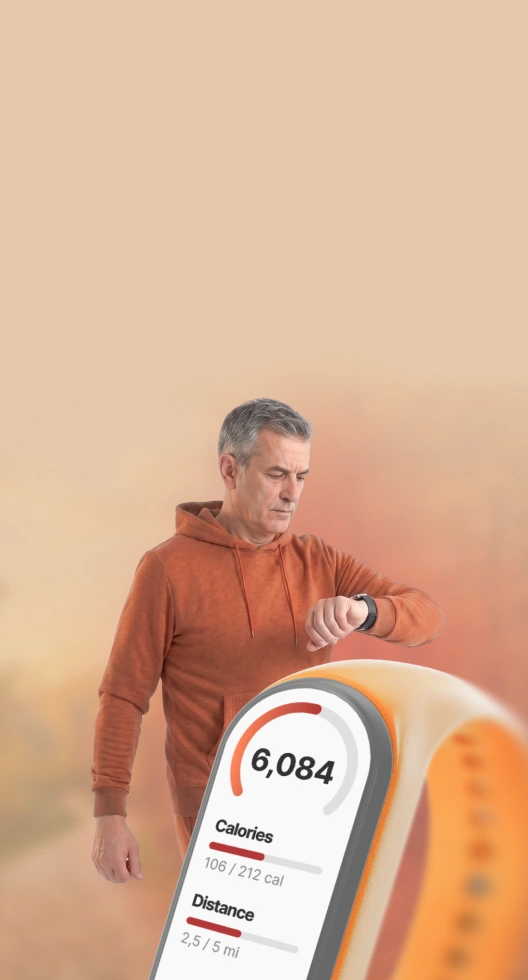
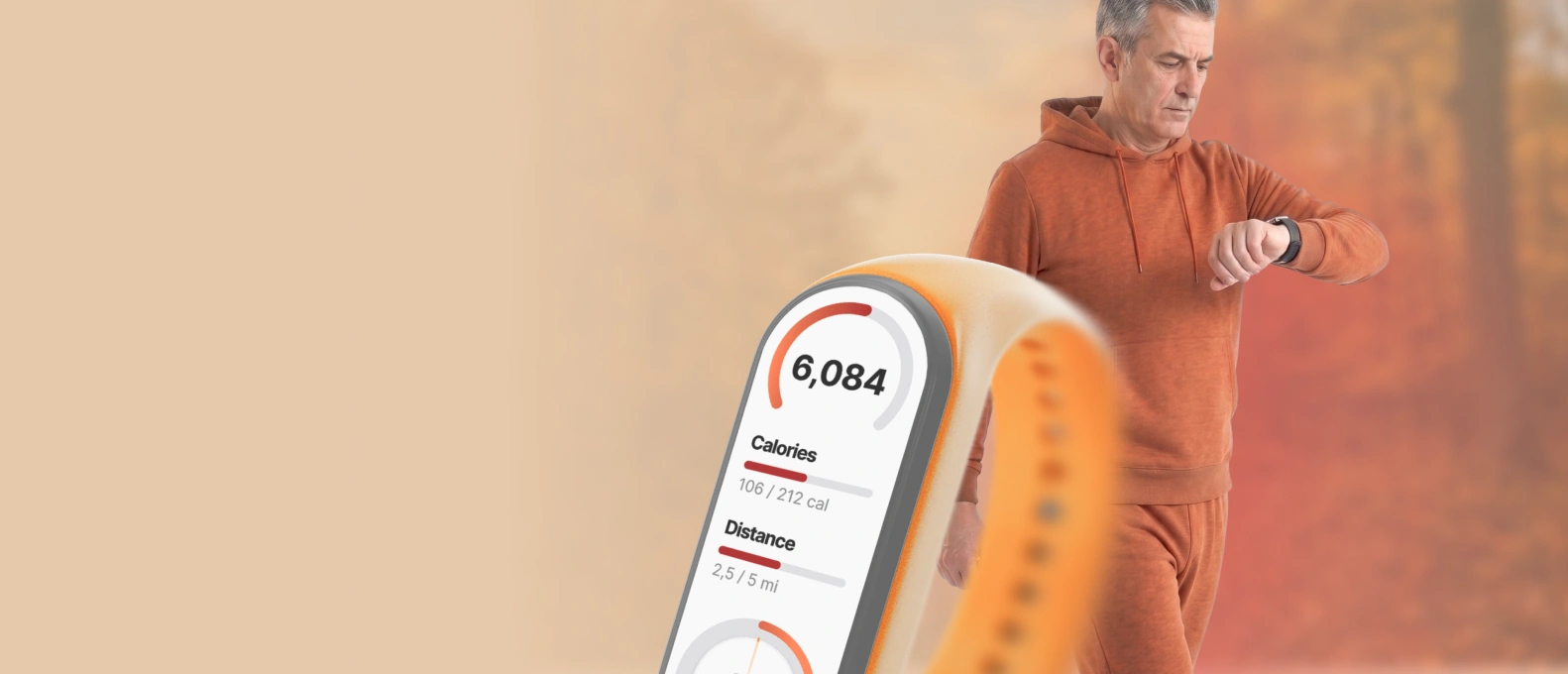
Counted automatically and added to your daily total from every walk you take.
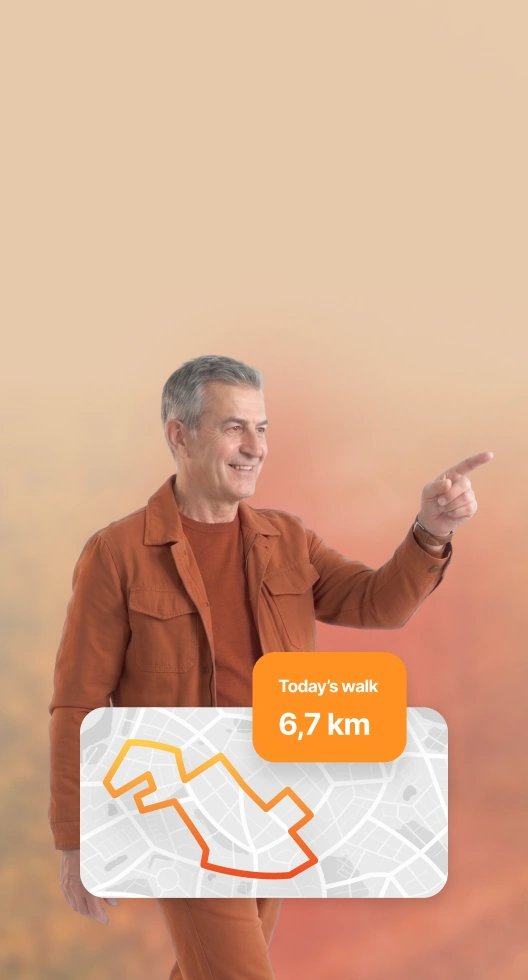
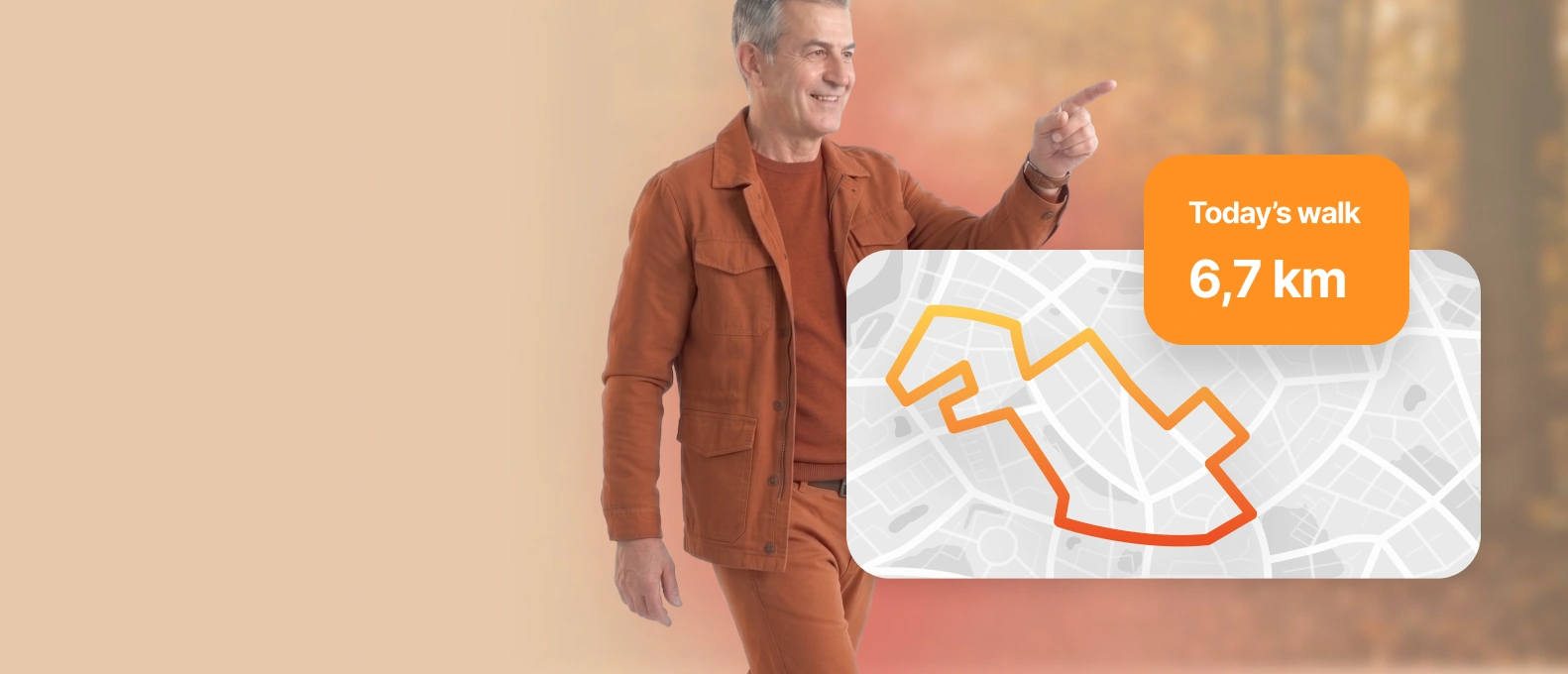
See how far you went, whether you set out to walk or just ended up walking.
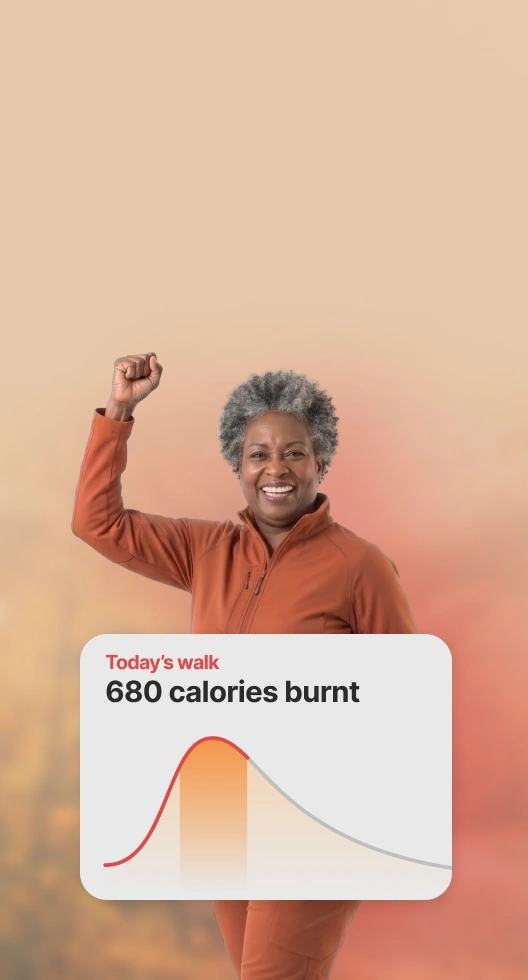
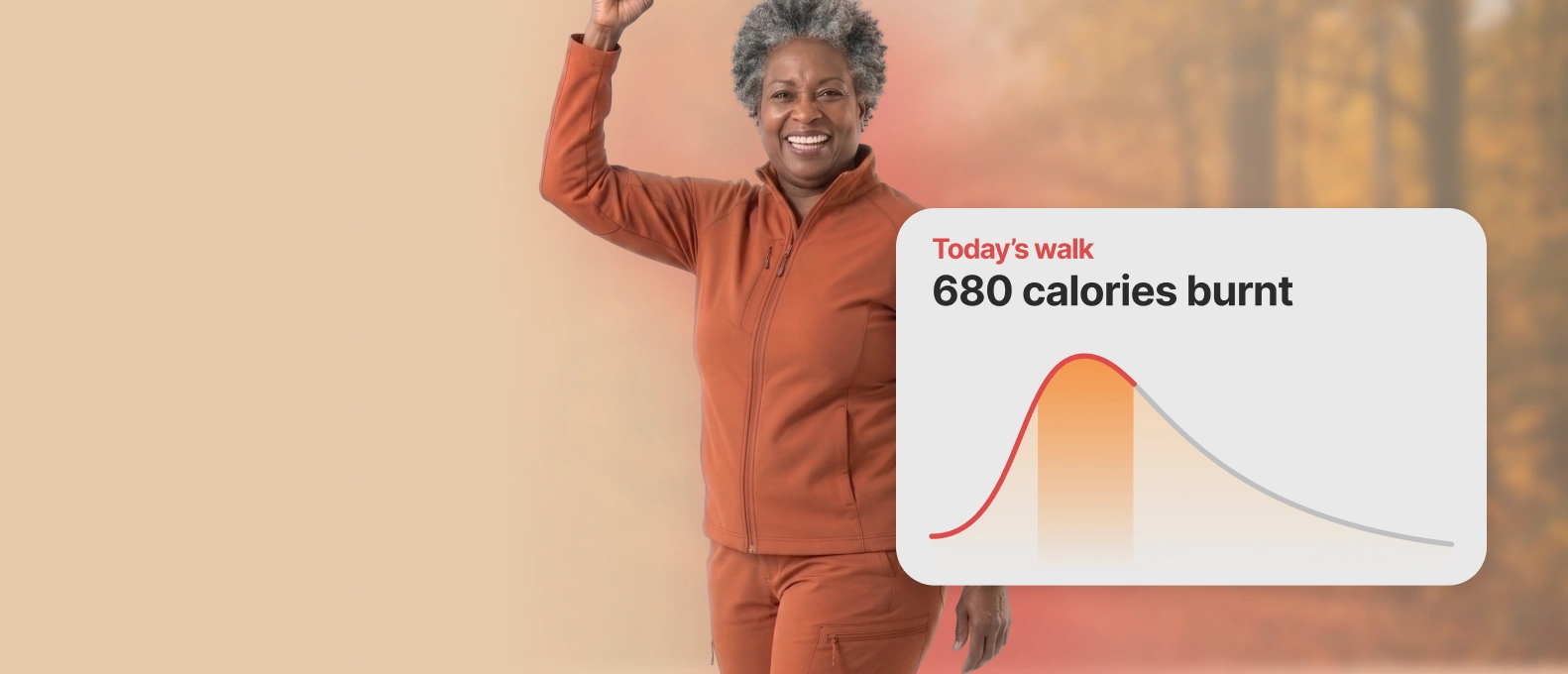
Your burn is estimated as you go, from your own pace and weight.
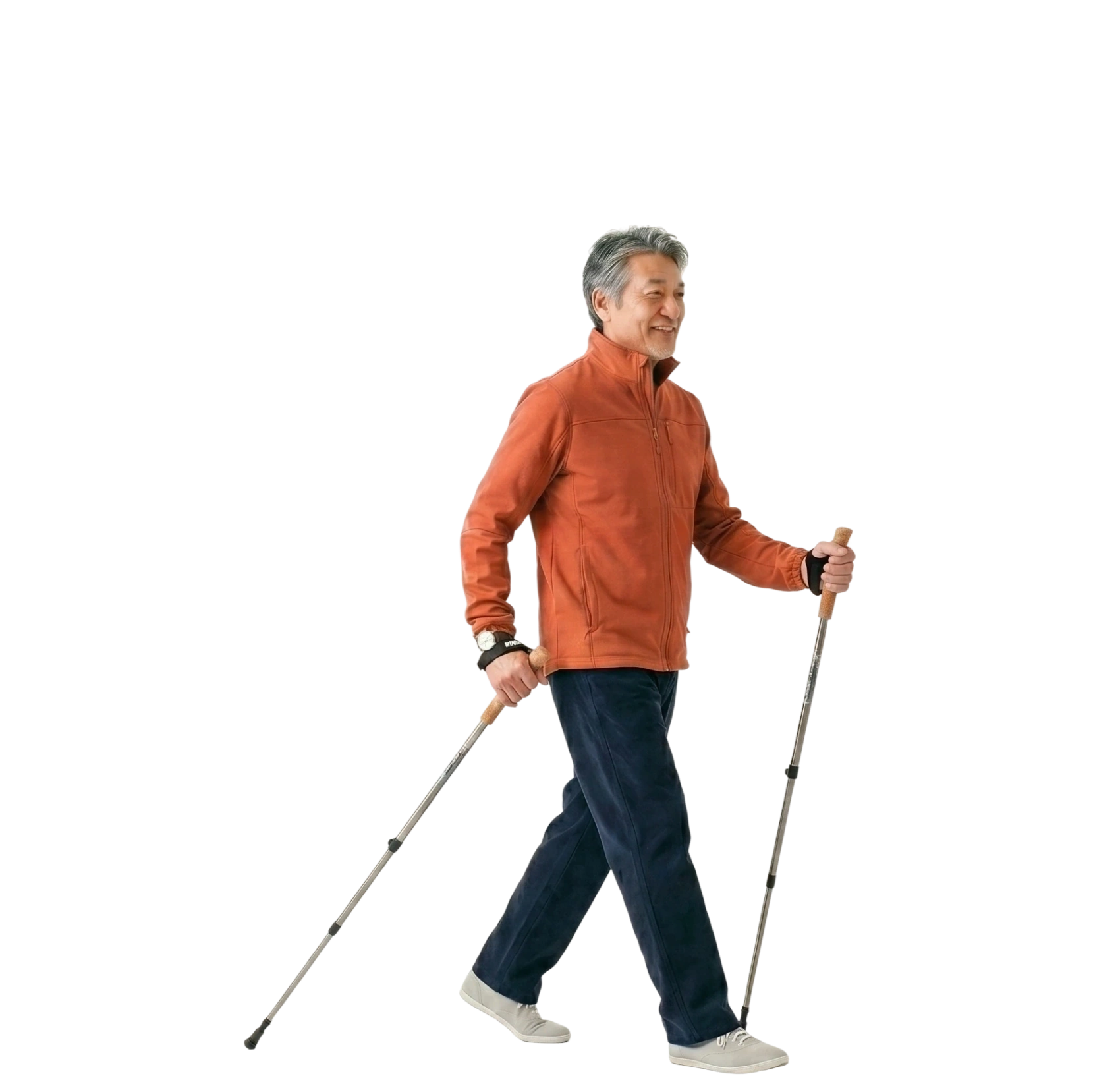
Every stroll, hike, or spontaneous walk can be a proper workout. Set your walking goal, press start, and Free Walk handles the rest.
WalkFit has a walking workout for every day, every mood — inside and outside.
More energy, a stronger body, and clothes that fit better every week.
Strengthen your heart, boost metabolism, improve sleep, and reduce stress by walking every day.
Streaks, challenges, and personal motivational messages that keep you going.
*based on 213,000 AppStore ratings









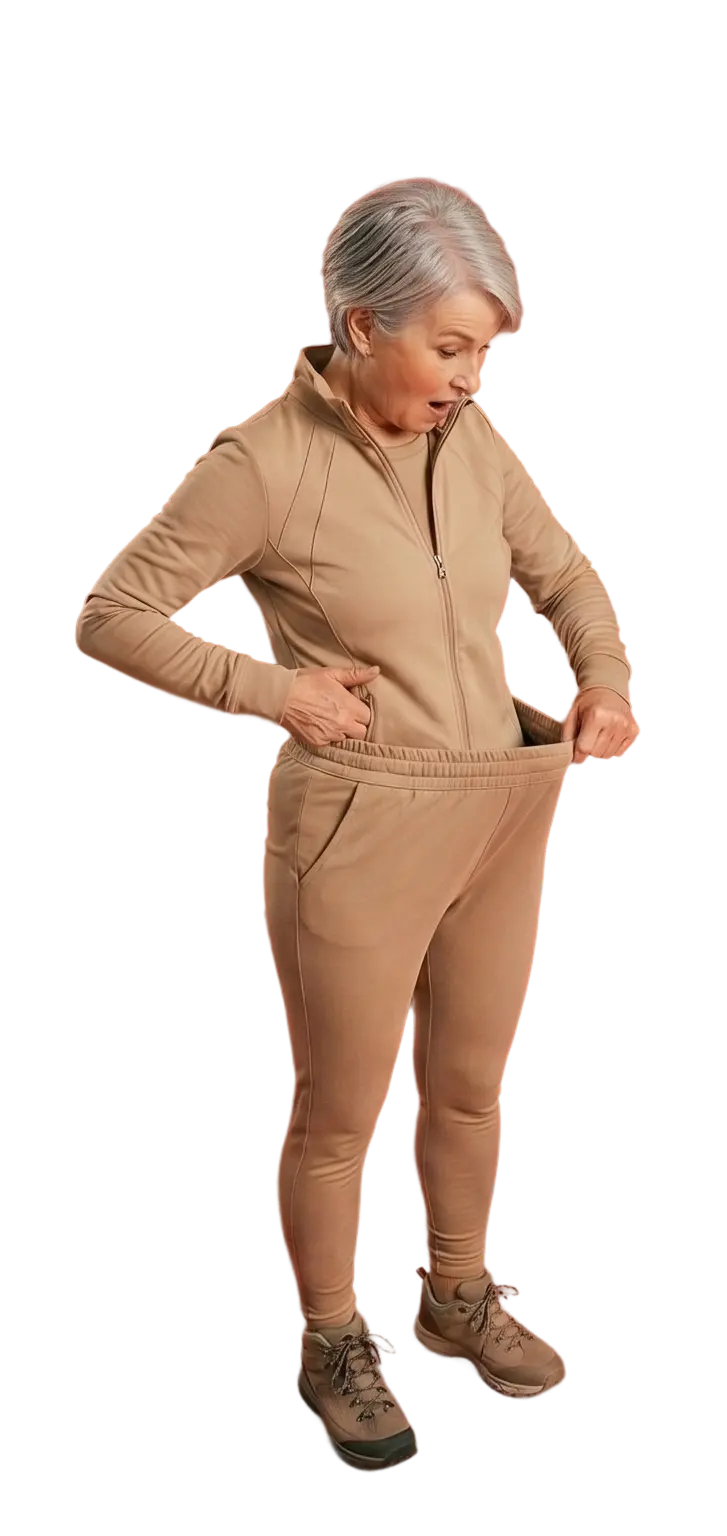
I joined WalkFit because I was discouraged with my weight
I joined WalkFit because I was discouraged with my weight and I needed motivation to have a routine. I love WalkFit. I thought that it was just about walking routines...but, I was wrong. I have used the app for 3 days now and I feel more energized. I have used the bed, chair, kickboxing, dancing and Tai Chi programs, so far, but there are so many to choose from. Try it and I am sure that you will like it.
Great Motivation!
Walk Fit has given me the motivation to start walking and exercising. The program is easy to follow and in almost a week, I have more energy and feel so much better. I highly recommend Walk Fit!
Tai Chi is awesome
The tai chi program is awesome. I recommend it.
Walk Fit helps me to keep on track
Walk Fit helps me to keep on track and I enjoy the added indoor exercise routines that include stretching and other activities to round out the walking. My goal is to remain active and healthy as I age and believe WalkFit is a good way.
Not as easy as it looks
Not as easy as it looks, helps coordination and brings up heart rate quickly, improves balance and breath regulation.
WalkFit is fantastic
You work at the pace you feel comfortable with, no negative jibes if you fall short, only positive feedback. Am really enjoying the Tai Chi walking and although I have met the goals most days, I feel fitter, more energised and calmer. Thank you.
I've been working out with WalkFit for a year now
I've been working out with WalkFit for a year now and I've lost weight and now I'm trying to tone my body. I enjoy this app and the different workouts are amazing even for a 71 year old lady. thank you.
I love it
The instructor is great and the program is easy to follow. I feel it is doing me good!
Lost 5 pounds during the 28 day challenge
While I did not lose weight at the pace I was expecting, I still lost 5 pounds during the 28 day challenge and the 7 mins workout made the difference.
The workout fits my schedule
The workout is short, but effective. The workout works well in a busy schedule. Keeps a person moving and workout is tailored to fit my needs.
Doesn't tire me like traditional workouts
Doesn't tire me like traditional workouts and I feel like I've accomplished something!
I love the workouts because they are EASY!
I love the workouts because they are doable. I already have more energy. I have my 3 year old granddaughter doing them with me. She loves it too.
I definitely noticed a change in my body
It helps get my blood flowing every morning when I wake up. It's a great start or end to the day. They are quick and effective routines that anyone would have time to do.
Find answers to your questions about WalkFit.
It is the part of the app that records a walk while you take it — steps, distance, time and the calories you burn — and adds it to your day. You do not have to log anything by hand: start a walk, or simply walk with your phone on you, and it is counted.
It includes one, and rather more. A pedometer counts steps; WalkFit counts them, turns them into distance and calories, maps the route when you use Free Walk, and sets the count against the goal your plan gave you for the day.
Yes. Your phone counts steps at the system level whether or not the app is open, and WalkFit reads that count and fills in your day when you next look. Free Walk is the exception: it maps a route and shows live stats, so it runs while the walk is in progress.
When you start a Free Walk, yes — it maps where you went by GPS and shows the route with the walk. An ordinary day of walking is counted in steps and distance without a map, because nothing was recording a path.
There is no single number, and the often-quoted 10,000 is a round figure rather than a finding. What matters more is that the number goes up from wherever you are now and stays there: your plan sets a daily goal based on how active you already are and raises it as that gets easy. Paired with a balanced diet, that is what supports weight loss.
From your weight, your pace and how long you walked. Faster walking and more body mass both raise the burn, so the figure is yours rather than an average — it is an estimate, as every consumer tracker's is, but it moves the way your effort does.
Yes. WalkFit connects to Apple Watch, Fitbit and Android-based watches, so you can start and control a walk from your wrist and see your heart rate without reaching for your phone.